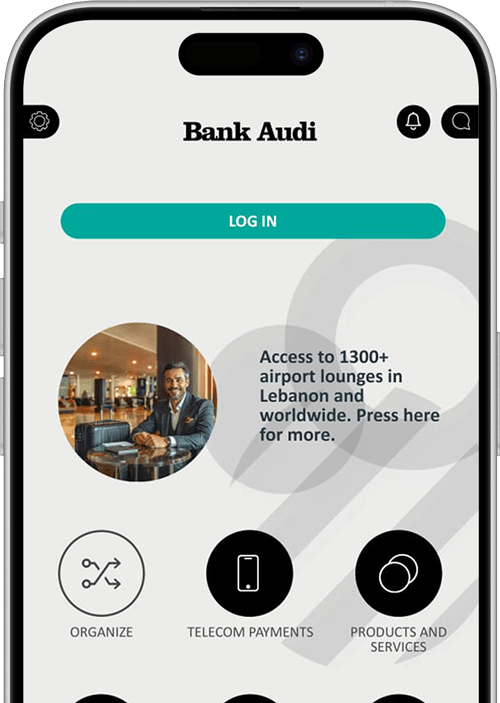
Do I need an account to access Bank Audi mobile app?
You mainly need a Current Account, a Deposit Account, a Loan account or a credit card to log in to the application.
What are the fees for the Bank Audi mobile app services?
Most of the services are free of charge. A special pricing applies to Local/International transfers.
Can I make transfers via Bank Audi mobile app?
Yes, you can make 3 types of transfers:
- Own Account transfers: between your own accounts
- Internal transfers: between Bank Audi accounts
- Local/International transfers: SWIFT to accounts outside Bank Audi (with a special pricing scheme different from branches’)
Can I benefit from Bank Audi mobile app outside Lebanon?
Yes, if you have Internet access.
Do I need a Password when accessing or downloading Bank Audi mobile app?
You can view and use the pre-login features without a Password.
Yet, you need to enter a Password to access your accounts.
How can I get the Bank Audi mobile app services?
You should visit the branch and open an account; you will get the Bank Audi mobile app services when you sign the required documents.
To access Bank Audi mobile app, what should clients do?
Simply visit the Apple Store or Google Play and download the “Bank Audi” mobile app.
When Bank Audi mobile app is accessed for the first time, what does the system ask for?
You go through the “First Time Login” process where you will be requested to change your Password.
Can I use Bank Audi mobile app 24/7?
Yes, and everywhere as long as you have Internet access.
What should I do if I forget my Password?
You should call the Customer Help Desk on 01-212120 or 1570 to reset the password.
Are all transactions reflected in Bank Audi mobile app?
All transactions made through any banking channel are instantly reflected in Bank Audi mobile app.
How can I log in to Bank Audi mobile app if I am an active user on audimobile?
If you’re an
individual user:
- Click on “Log in with your old audimobile PIN” on the login page of the new Bank Audi mobile app;
- You will be requested to input a valid mobile phone number, MPIN and email.
- Accordingly, your new application credentials (User ID and Password) will be sent to you by email and SMS.
If you are
joint account users:
- You will log in to the new Bank Audi mobile app using the User ID and Password you have received by email and SMS, respectively.