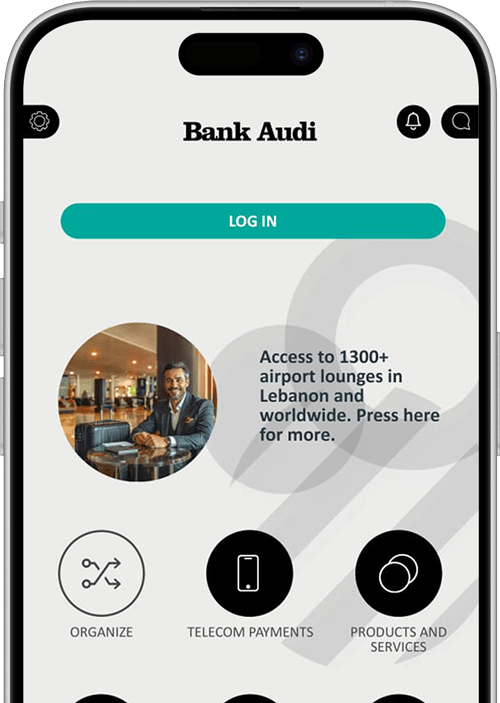
Bank Audi will never ask you for any confidential and sensitive information via email (User IDs and passwords, debit/credit card information, PINs and CVVs, etc.). Immediately report any suspicious emails to 1570 without responding to them and without clicking on any embedded links.
Transfer money locally and internationally without paying Bank Audi fees through Audi Online, for a limited period of time.
You can now:
Make highly secure Internal, Local and International money transfers
Monitor your accounts, loans and cards’ activity anytime, anywhere
Pay your credit card bills easily in real time
Personalize your accounts by choosing nicknames and changing them anytime
HOW CAN I DO IT?
Description: We’ve prepared special tutorial videos to show you how you can:
Transfer money between your accounts
Transfer money within Bank Audi and outside Bank Audi
Pay your credit card
Transfer money from your account to another Bank Audi account
What’s in it for me?
24/7 worldwide service
Maximum convenience
Full control of your finances and easy access to your Bank Audi accounts
What do I have to do?
To fully benefit from Audi Online’s new features, simply sign the enrollment form at your nearest Bank Audi branch during regular working hours or at our NOVO branches:
NOVO Palladium (Beirut Central District) open every day:
Monday – Saturday: from 8:30am to 10pm
Sundays and official holidays: from 9:30am to 10pm
NOVO CityMall, Uruguay Street and Zaitunay Bay branches open everyday, even on Sundays and holidays, from 10am till 10pm
What if I cannot perform outgoing money transfers?
If you are not able to perform outgoing transfers, locally and internationally, kindly visit your nearest Bank Audi branch or at any of our NOVO branches to sign the Audi Online enrollment form.
Enter the couple’s account number to participate in their wedding list:
If the wedding invitation holds a full IBAN number, enter the 8 digits that fall right before the last 4 digits, as highlighted in red.
e.g.: if the IBAN number is LBxxxxxxxxxxxxxx00123456xxxx, the account to be inserted is 00123456.
If the wedding invitation holds a 6-digit ID, add 00 to the left.
e.g.: if the account number is 123456, the account to be inserted is 00123456.
Decide which cookies you want to allow.
You can change these settings at any time. However, this can result in some functions no longer
being
available. For information on deleting the cookies, please consult your browser's help
function. LEARN MORE ABOUT THE COOKIES WE USE.

Necessary
Functionality
Analytics
Marketing
This website will:
Remember your cookie permission setting
Allow session cookies
Gather information you input into a contact forms,
newsletter
and
other forms across all pages